How to get help with Mira
Last updated: July 7, 2026
Have a question or run into a problem? The Mira support team is here to help!
Contact support
Reach us whichever way is easiest for you:
Email: Write to support@meetmira.com and we'll create a request for you.
Request form: Go to help.meetmira.com and click Submit a Request, or click Get help at the bottom of the left sidebar in the Mira app.
To help us understand the issue, briefly describe what happened and include any screenshots or recordings that may help. We’ll send updates to the email you provide, so use one you check often.
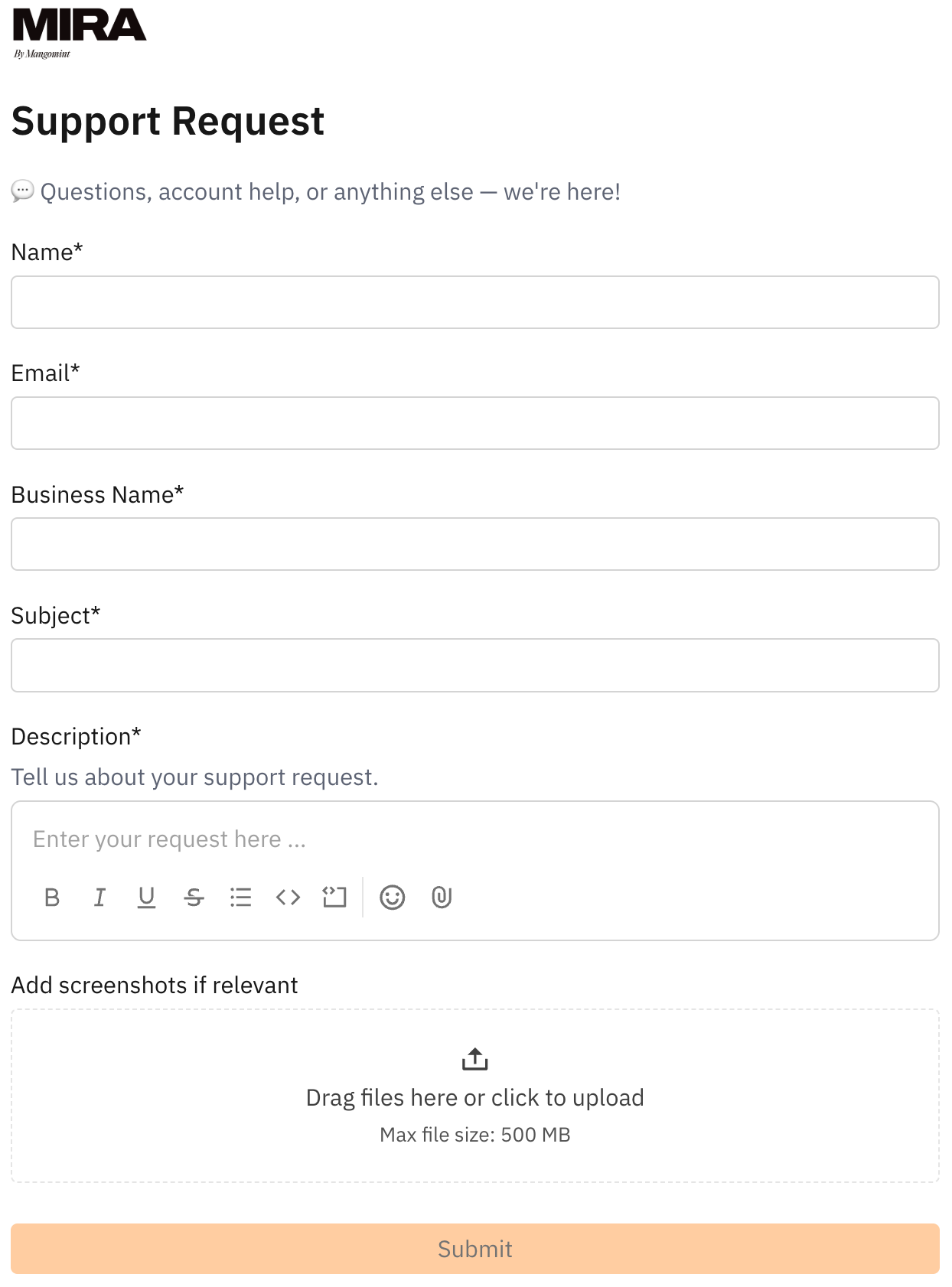
Click Submit and you'll get an on-screen confirmation plus an email. Our team will follow up by email.
Track your request
You can track requests and continue the conversation in your support portal:
Look for an email from mira@notifications.usepylon.com with the subject “Mira invited you to join customer portal.” Check spam if you don’t see it.
Click Visit Portal. This opens support.meetmira.com, where you’ll enter your email and use a verification code to sign in.
Once signed in, you can view your requests, check their status, reply to our team, and submit new requests.
You can also go to support.meetmira.com anytime and sign in using the email where you receive Mira support updates.